Tell your agent “set up my emails.”Approve the big sends from your phone.
Every email your product sends, through one API on Amazon SES.
Start free5,000 emails a month, no card.
18 minutes
session · acme-app · Tue 19 Oct
- youset up my emails
- 00:00get_started → 6 steps to working email
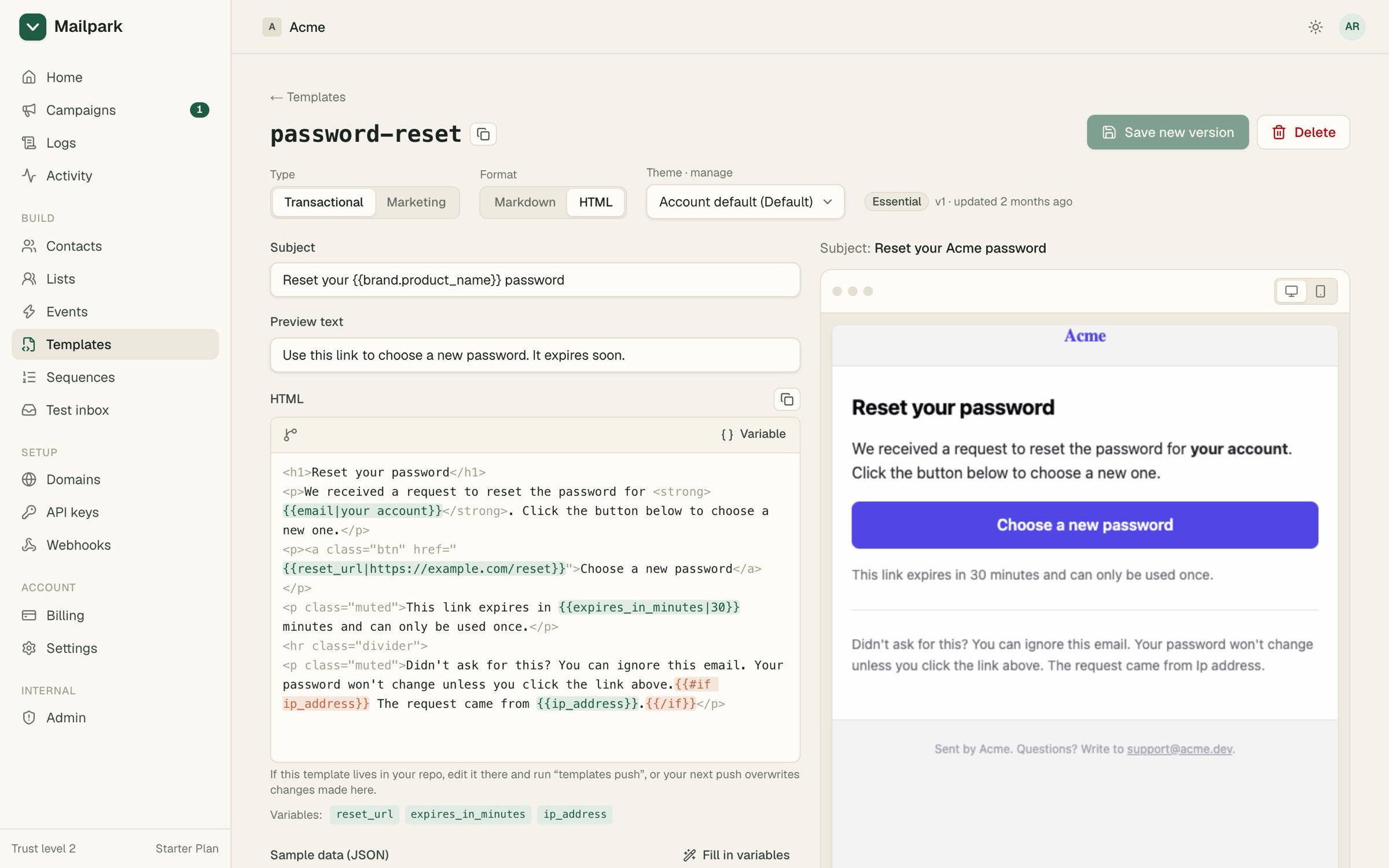
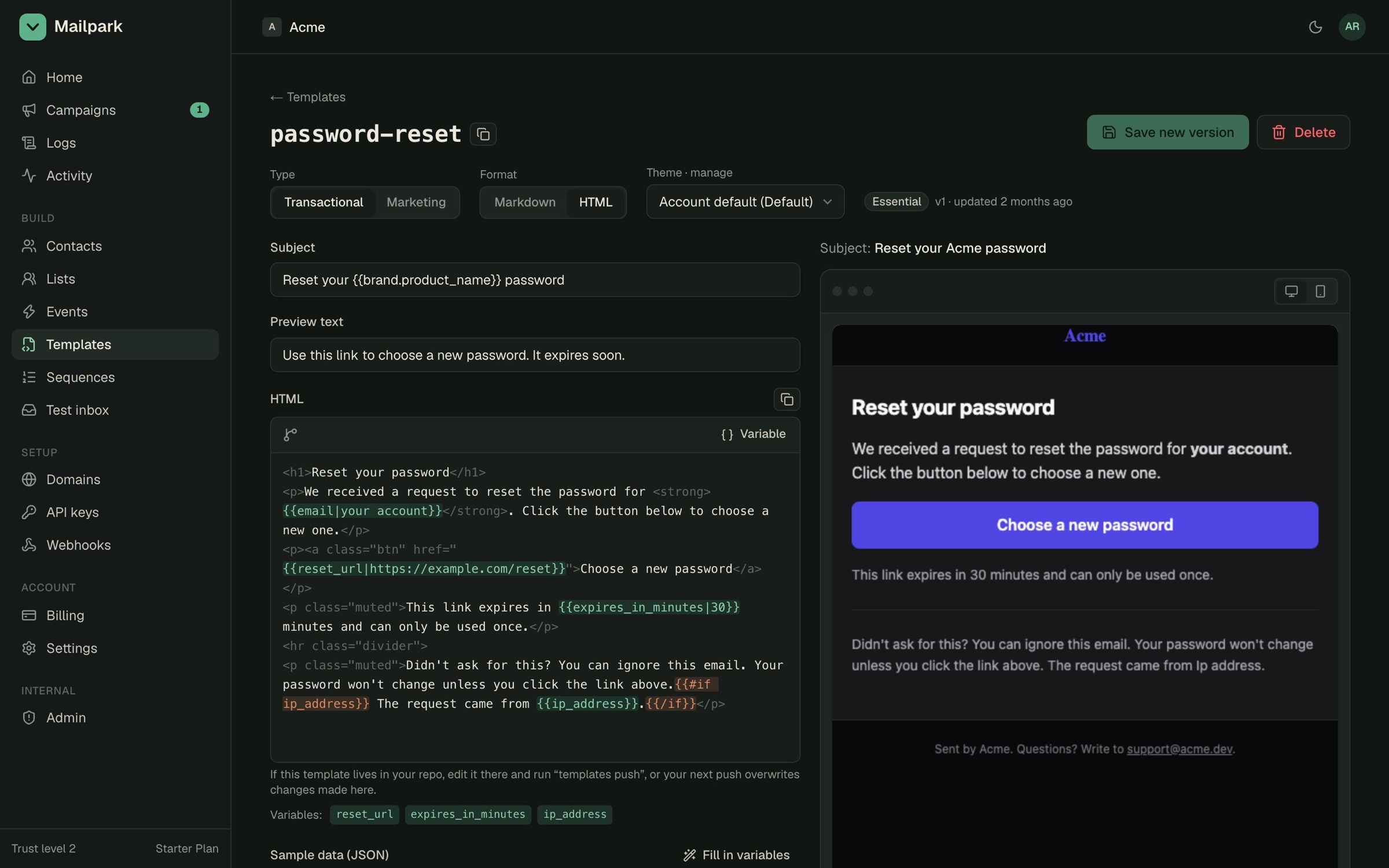
- 00:38add_essential_templates → 8 templates in your brand
- 02:51send_test_email(password-reset) → landed in test inbox
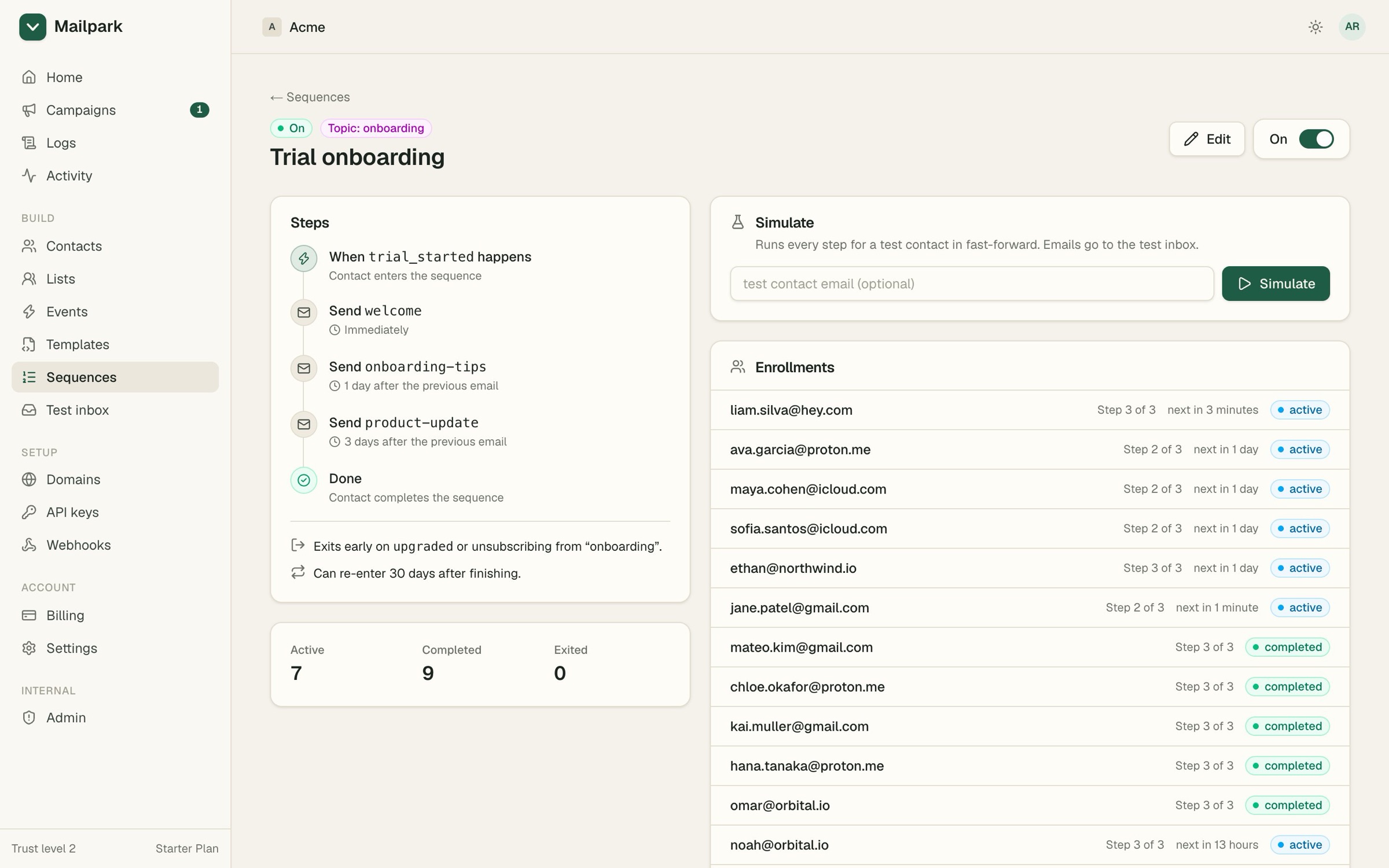
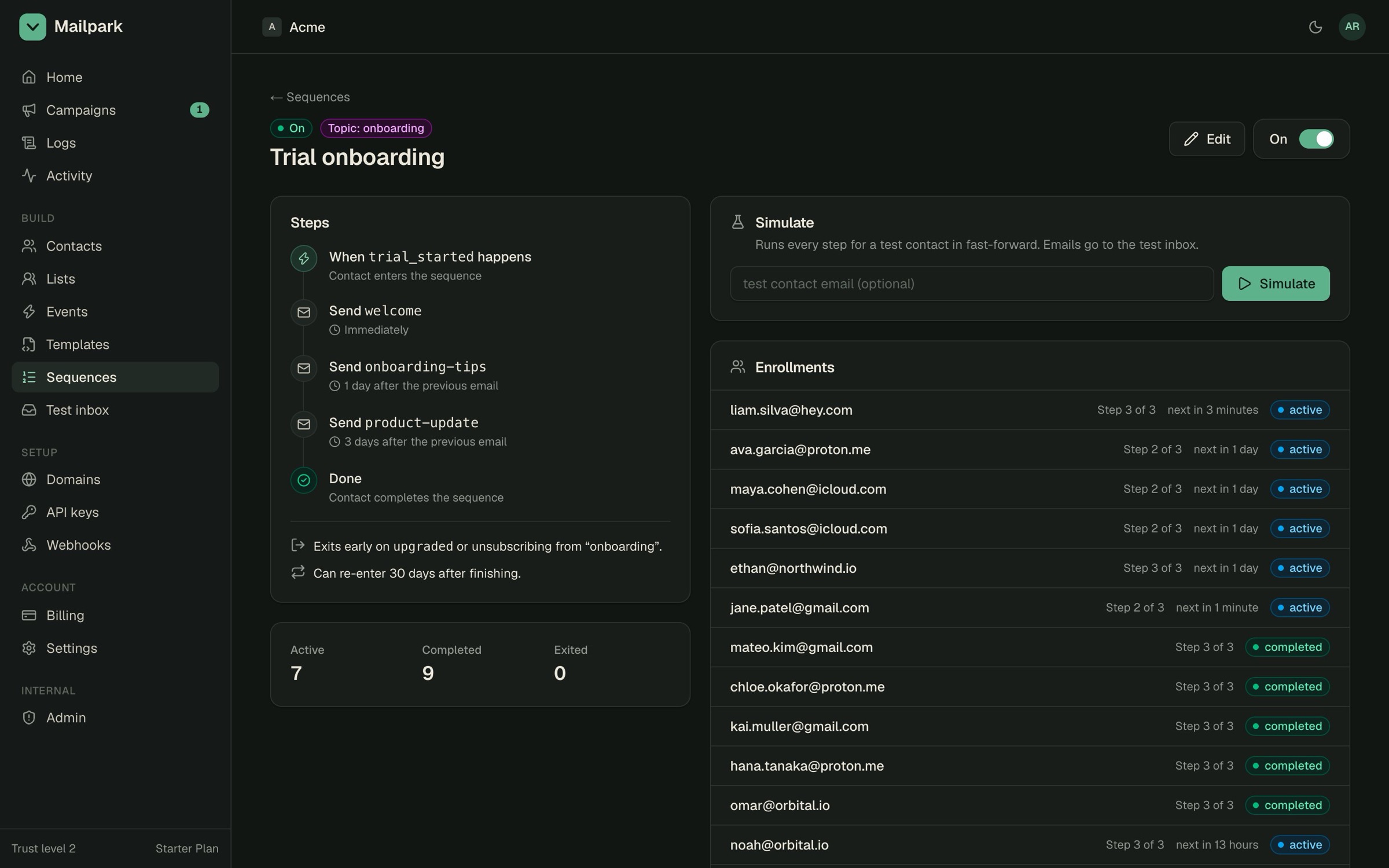
- 06:14create_sequence(onboarding) → 3 emails over 7 days
- 11:02setup_domain(acme.dev) → 6 DNS records for you
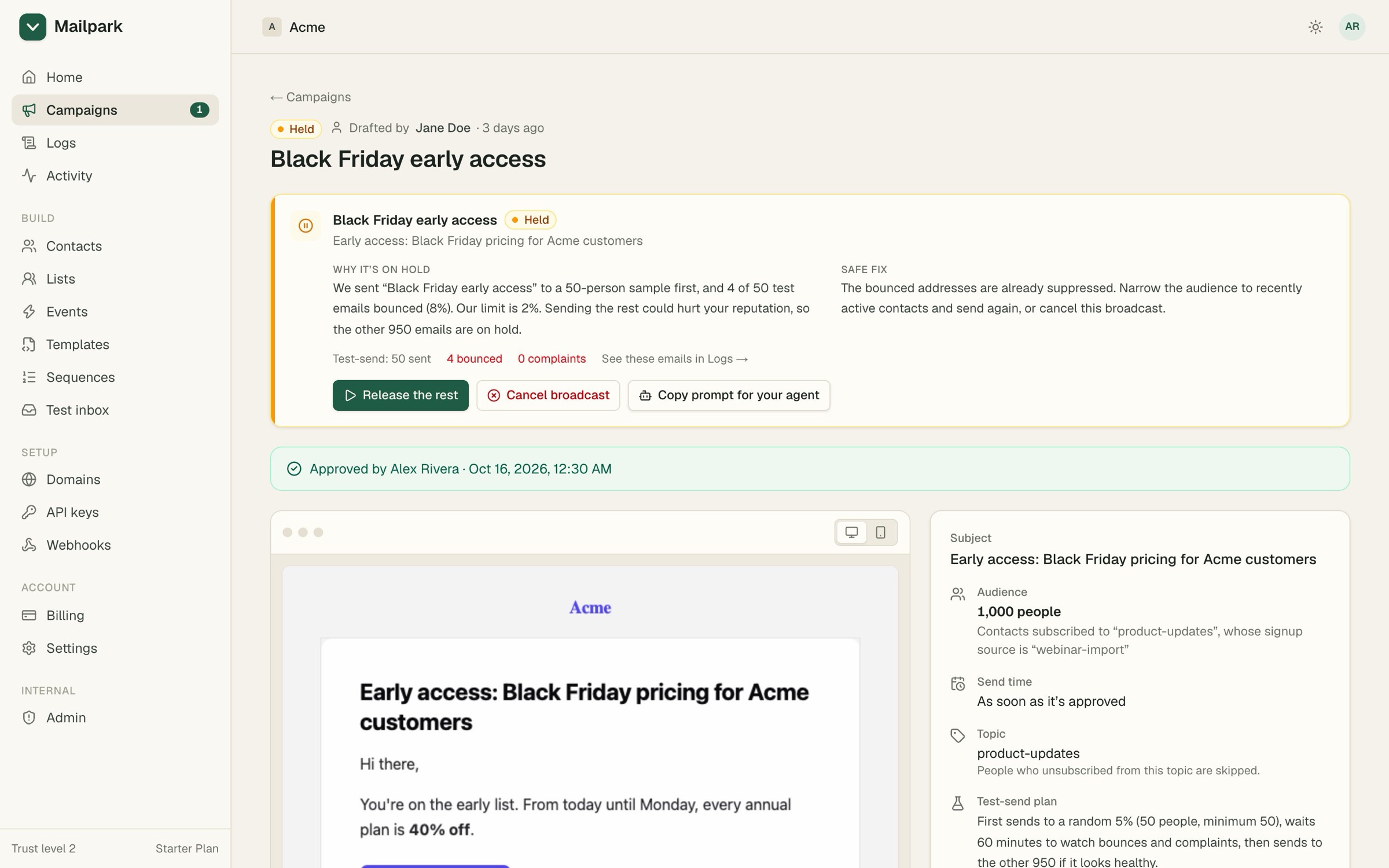
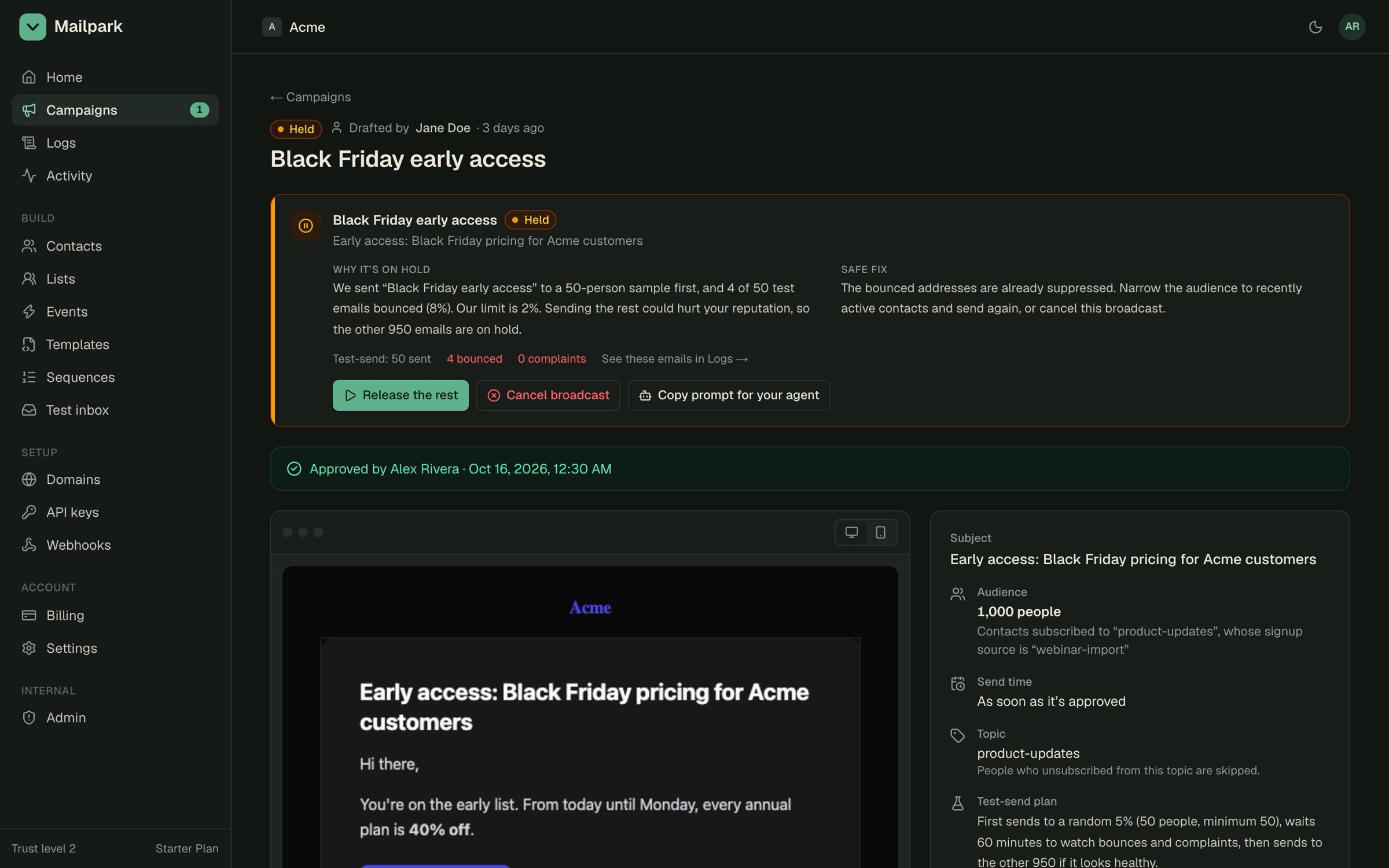
- 17:40draft_broadcast(october-update) → 1,240 people
- Waiting on you: approve the October update▍
- Amazon SES underneath
- One SES tenant per account
- MCP server, CLI and SDK
- Test keys never send real email
- Webhooks, signed
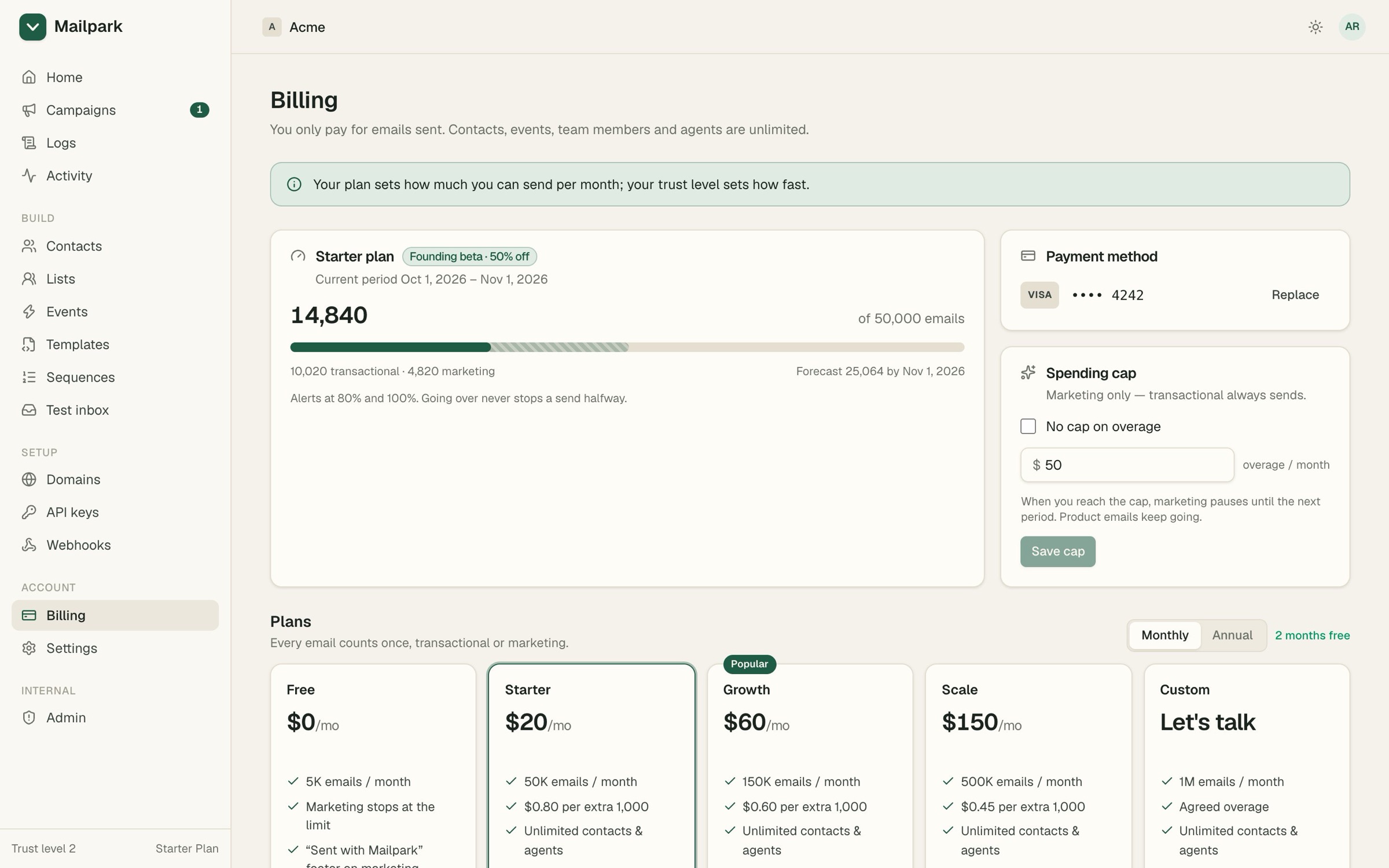
app.mailpark.dev/
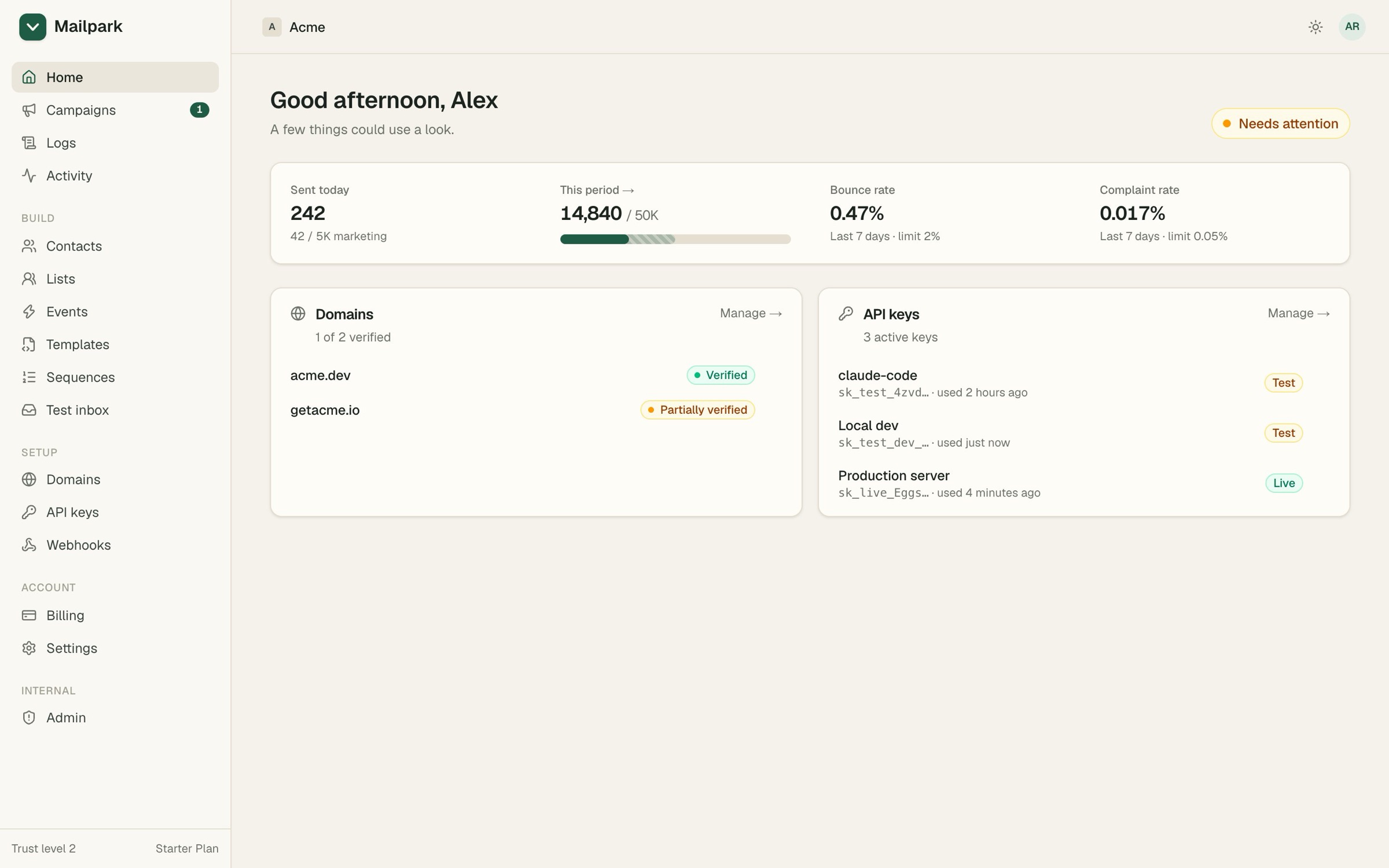
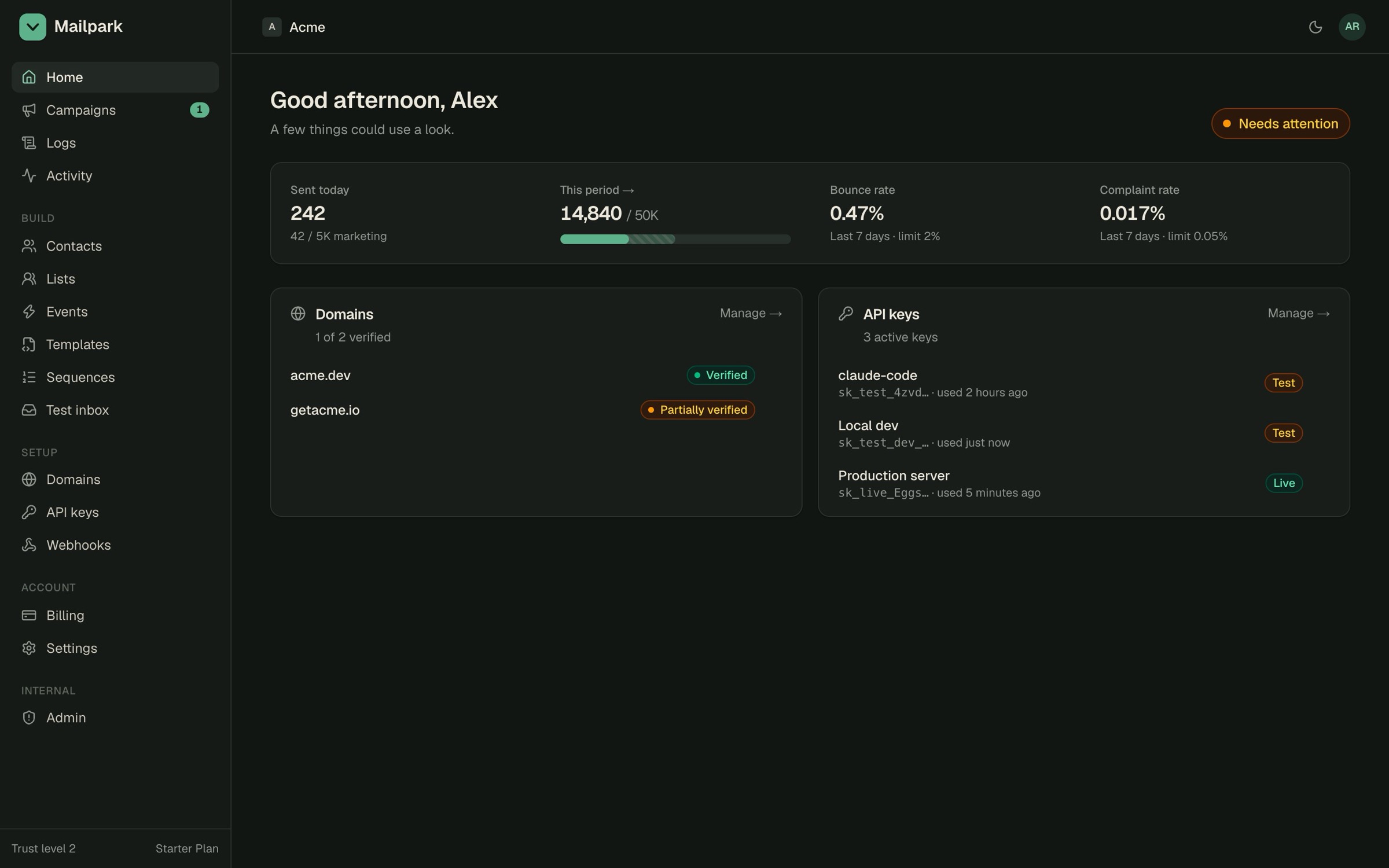
- 1Usage vs plan
- 2Health, against the limits
- 3Which agent key did what
§00Contents
§01Start
- 1Connect your agent
- 2Ask for what you want“set up my emails”
- 3Or wire it in by hand